Mini-Game · Controller Ready
Controller Basics
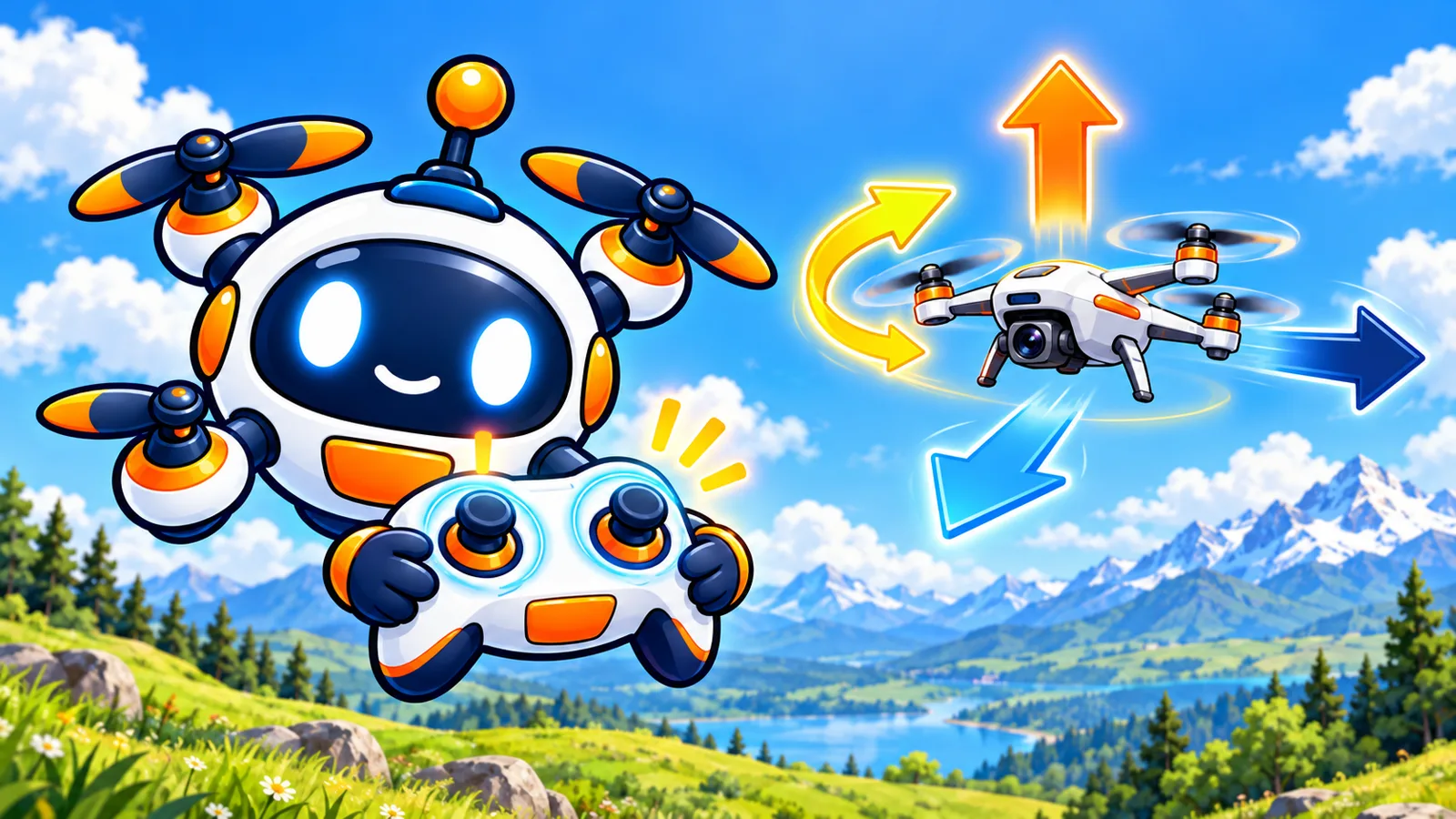
One stick goes up and turns. The other moves around.
Beginner = bright + friendly · Advanced = dark + tech
Overview
Left stick controls height and turning. Right stick controls movement. Buttons can take off, land, or do tricks.
Learning objective
Map each stick motion to a flight axis.
Key vocabulary
- Yaw: Rotation around the vertical axis.
- Pitch: Tilting forward or back.
- Roll: Tilting left or right.
Visual diagramSticks → Axes
Take your time — on-screen prompts guide each step.
Gamepad Activity
Yaw, Pitch, Roll Arena
Match each gate's motion using the correct stick or axis.
Controller
No gamepad detected — keyboard fallback active
press any button to wake controller
Stick 1
x: 0.00 y: 0.00
Stick 2
x: 0.00 y: 0.00
1
2
3
4
L
R
—
+
Controlsactive: keyboard
Gate 1/5Time: 0.0sNow: Throttle Up
Yaw: left stick XPitch: right stick YRoll: right stick X
Instructions
How to play · YPR Arena
Goal
Practice Yaw, Pitch and Roll by flying through gates.
Controls
- ↑/↓ arrows · Throttle (climb/descend)
- A/D or ←/→ · Yaw — turn the drone's nose
- W/S · Pitch — fly forward / back
- Q/E · Camera shoulder pan
- Gamepad · Left stick = throttle + yaw · Right stick = pitch + roll
Win condition
Fly through every gate before the timer ends.
- Line up with the next glowing gate.
- Use Pitch to move forward, Roll to slide sideways.
- Yaw rotates the nose — point where you want to go.
- Throttle keeps you level — small corrections only.
Quick quiz
1. Yaw means…
2. Pitch tilts…
3. Roll tilts…
4. Throttle controls…
5. In Mode 2, the LEFT stick controls…
Reflection
What helps you stay precise when something is very sensitive?
Badge reward
Control Commander
Mastered yaw, pitch, and roll.
Locked
Related: gamepad